A WooCommerce shop and a PrestaShop shop, always in sync
Inklura Sync, a WordPress plugin and a PrestaShop module, synchronises the catalogue, stock, orders and customers, with no middleman service. Setup starts in audit mode: nothing is applied until you approve it.
Yearly licence from €249 excl. VAT €299, price locked in at renewal.
- WordPress 6.5+ and PHP 7.4+
- PrestaShop 8.2 to 8.x
- HPOS and ACF compatible
- GPL-2.0+ code
How the shops talk to each other
An extension is installed in each shop, and the two send each other changes directly, with no online service in between.
Change
A product, price, stock level, order or customer changes in one shop. The extension records the event in a queue, in the shop's own database.
Signed delivery
The event is sent to the other shop over HTTPS, signed (HMAC-SHA256) and timestamped. A modified or replayed message is rejected.
Retries
If the other shop does not answer, delivery is retried after one minute, then at longer intervals. Changes to the same record stay in order.
Write
The change is written to the other shop's tables, like an edit made in its admin. The record keeps track of the shop it came from.
Each shop's server also needs a cron task running every minute: WordPress's own cron only fires on visits.
What is synchronised
Sync works in both directions. Each piece of data stays tied to the shop where it was created.
- Catalogue
- Simple and variable products, descriptions, categories, attributes, features, brands, tags and prices.
- References and media
- EAN, UPC, ISBN and MPN codes, converted dimensions, product and variation images, SEO titles and descriptions.
- Stock
- The starting quantity is copied, then each movement is sent as a delta. Untracked stock is never reset to zero.
- Orders
- They are copied to the other shop with their lines, totals and status. Payments and refunds stay on the shop that took the money.
- Customers
- Registered and guest customers, contact details and addresses. Creating accounts on the other shop is possible but off by default.
- Suppliers
- Main supplier, references, purchase price excl. VAT and secondary suppliers, per product or per variation.
- Custom fields
- WooCommerce metadata and ACF fields chosen from a list, for products, variations, orders or customers. HPOS compatible.
- Refunds
- Read-only copy of the original record. No second refund, tax document or restock is triggered.
- Deletions
- A product deleted on one side is archived on the other, without touching its images or stock.
Security and licence
Your data stays in your shops, and an expired licence does not cut the sync off overnight.
Exchanges and data
- Exchanges go over HTTPS, signed and timestamped. Every message carries an identifier, which prevents replaying it.
- Settings, customers, mappings and events stay in your shops' databases. Nothing goes through our servers.
- In audit mode, the shops receive events without applying them. You check before going live.
- Every record carries an origin identifier, for example woo:product:1001. An empty reference or a shared e-mail address is never enough to merge two records.
Licence
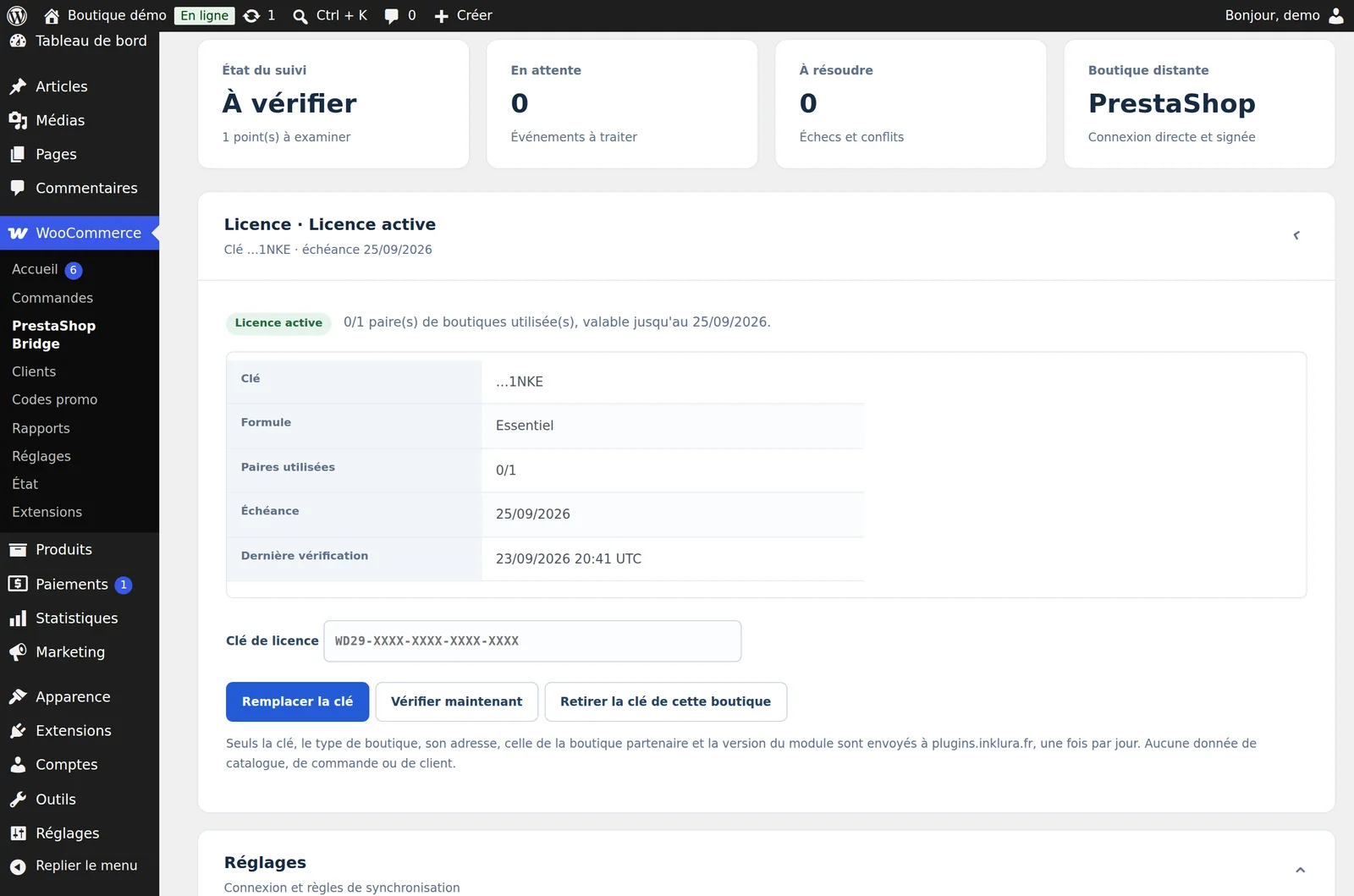
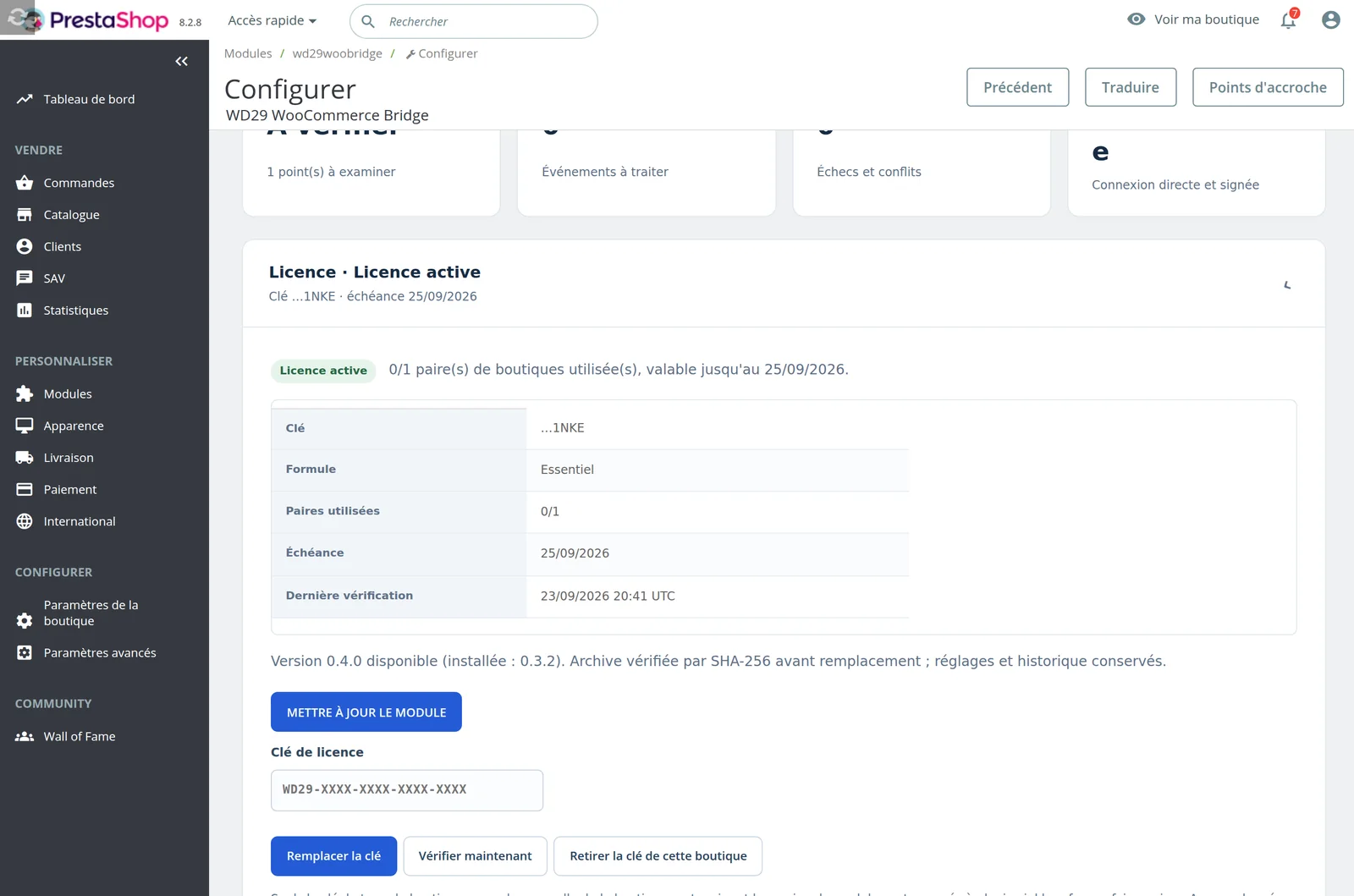
- The same key works for both shops. It is checked once a day, without sending any shop data.
- If our licence server does not answer, nothing changes. At expiry, sync keeps running for 14 days, then switches to audit mode. Everything resumes on renewal.
The settings in each shop
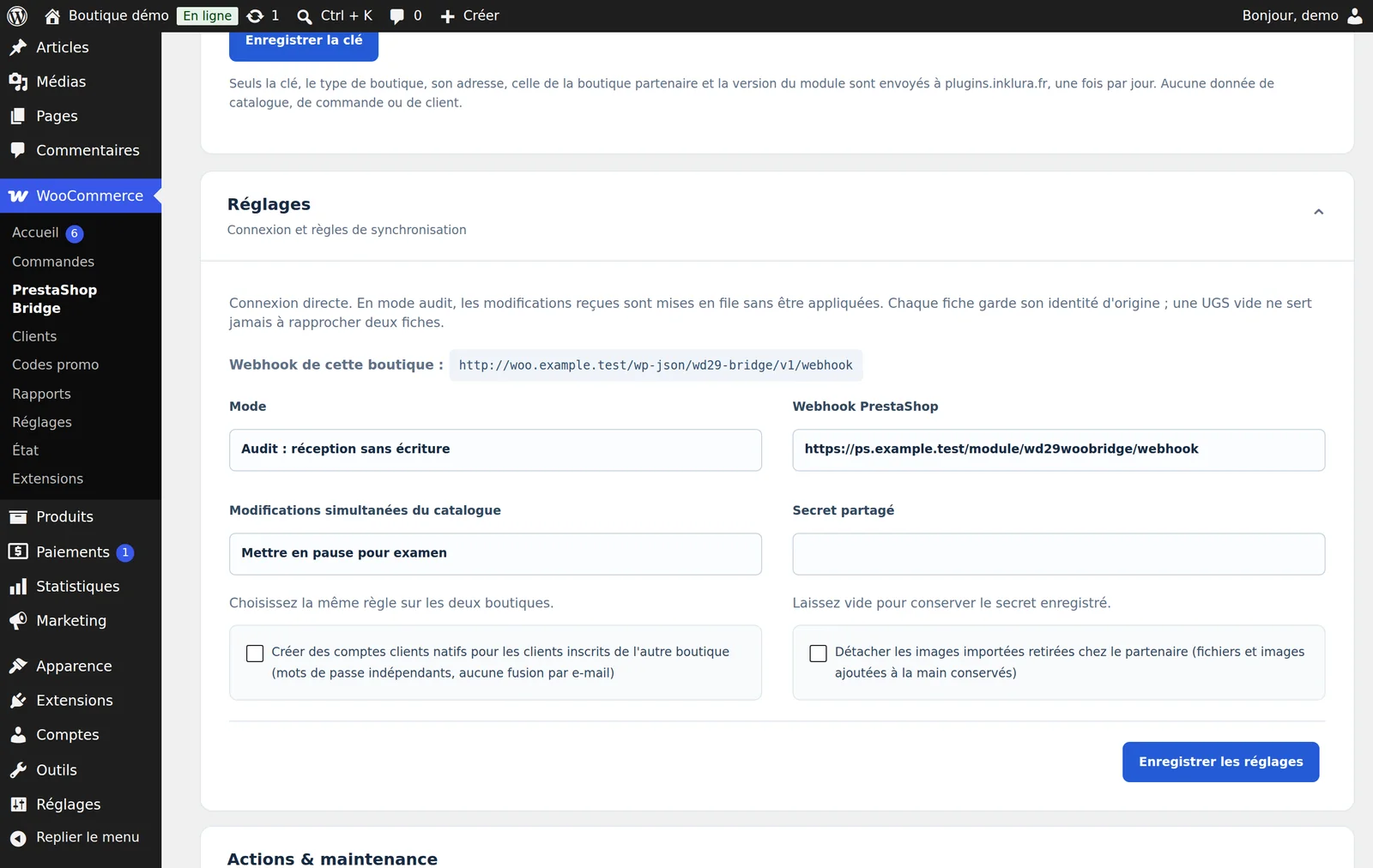
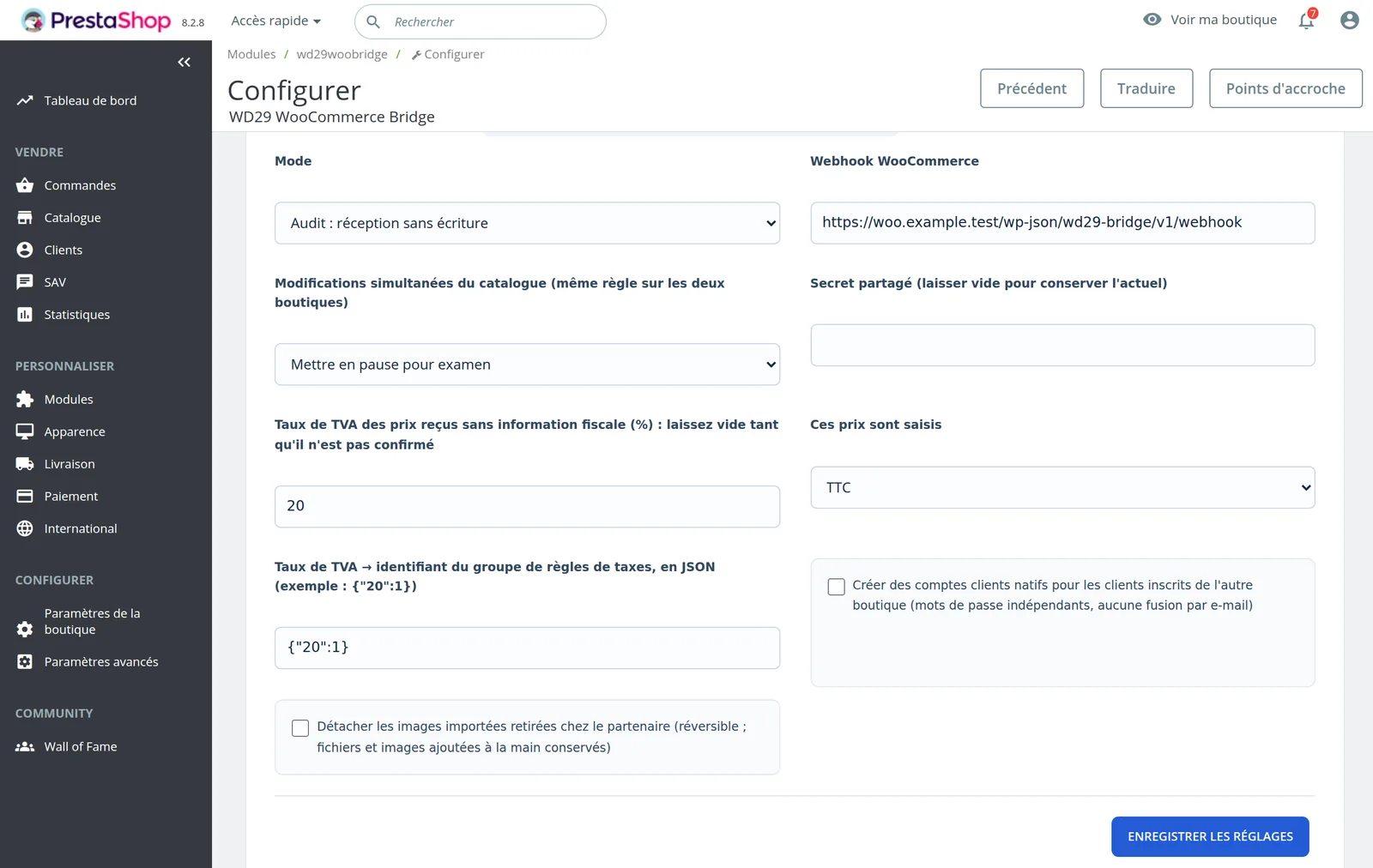
Each shop has its own settings panel: audit or live mode, the other shop's address, conflict rule, tax, licence and updates. The screens are in French.
Every step is covered in the installation guide.
Cases to check before buying
These setups fall outside standard operation. We review them with you before installation.
- If the last item is sold at the same moment on both shops, stock levels realign afterwards, but the product may have been sold twice.
- Multistore, bundles, protected downloads, generic variants and stock managed at parent-product level need adapting.
- Eco-tax, different currencies, an unconfigured tax or unexplained differences in shipping costs and discounts can block a record or an order. The block shows up in the reports.
- For ACF, only values are synchronised. Field groups must exist on the WordPress side, and an ACF PRO setup is checked before installation.
- Deleting or disabling a customer account is not carried over to the other shop.
- Inklura Sync is not certified by point-of-sale vendors, KerAwen included. With a till connected to PrestaShop, a sale and a return are tested on the real till during setup.
Frequently asked questions
Every step and error message is covered in the installation guide.
What if one shop is offline?
Changes wait in the other shop's queue. Delivery is retried after one minute, then at longer intervals, up to one hour. After eight failures for the same record, retries stop and an alert shows up in the diagnostics.
Who wins when a product is changed on both sides?
For the catalogue, you choose in advance: priority to one shop, or a pause for review. Conflicts on orders and customers are never resolved automatically.
Are customer passwords copied?
No. Neither passwords, roles nor marketing consents. By default, customers are copied to a private contact directory; creating real accounts on the other shop is an option, off at first.
Where do I issue a refund?
Always on the shop where the order was placed. The other shop receives a copy for information, with no second refund, credit note or restock.
How is VAT handled?
The connector never guesses a rate. You map each rate to a PrestaShop tax rule during installation; a record without a usable rate is flagged rather than miscalculated.
Yearly licence per pair of shops, from €249 excl. VAT.
Essentiel for one pair, Pro for large catalogues, Agence on quote for several pairs. Launch prices are kept at renewal.